> How do I purchase and connect my phone number?
Learn how to purchase and connect your own phone number inside of Infinity Interface so that you’re able to send messages automated reminders via SMS.
Purchase and connect a phone number inside GoHighPRO
f you want to be able to send SMS message reminders and correspond with your clients using SMS – you will need to purchase and connect a phone number with your account.
Luckily this is all done with Infinity Interface – but there are a few steps before you can start using SMS.
How to Add a Phone Number to Infinity Interface: A Step-by-Step Guide
Important Note: As of July 5th, 2023, US businesses need to register with the “Trust Center” for SMS messaging. This guide covers both options and the Trust Center registration process.
Choosing a Phone Number:
Local Number:
Faster setup (no registration needed).
May be less professional-looking.
Choose your country and area code (if desired).
Search for available numbers and pick one.
Monthly fee applies.
Toll-Free Number:
More professional appearance.
Requires registration with Infinity Interface (4-6 week approval process).
Choose a toll-free number from the available options.
Monthly fee applies.
Steps for Local Number:
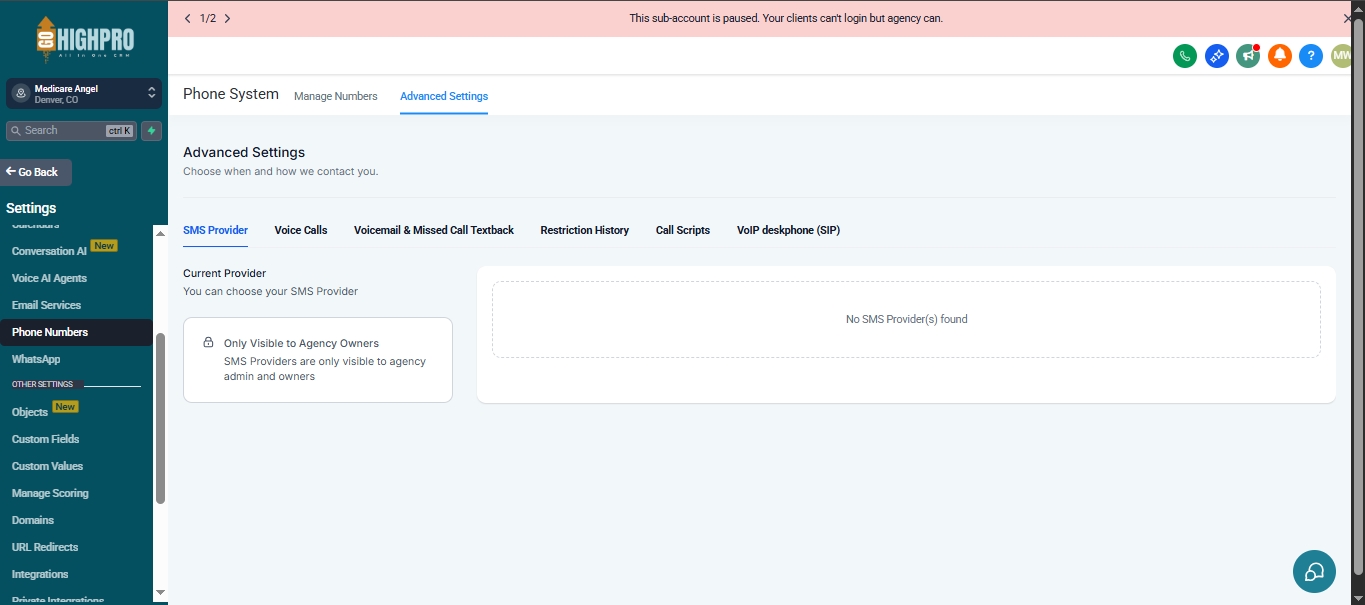
Go to Settings > Phone Numbers.
Choose “Add Number”.
Select your country and (optional) area code.
Search for available numbers.
Pick a number and hit “Save”.
Your credit card will be charged automatically.
Steps for Toll-Free Number (with Trust Center Registration):
Go to Settings > Phone Numbers.
Choose “Add Number”.
Select “Toll Free”.
Pick a number and hit “Save”.
Fill out the Trust Center Registration form:
Name
Website Address
Business Country
Contact Information
Estimated Message Volume (per month)
Use Case Category (“Low Volume Mixed” is recommended)
Use Case Description (briefly explain your SMS usage)
Production Message Content (your actual SMS message with an unsubscribe option)
Opt-in Description (how users agree to receive SMS messages)
Optional: Upload a screenshot showing your opt-in process.
Submit for review (approval takes 1.5-2 weeks).
You’ll receive an email notification about the review process.
Final approval takes about 3-4 weeks.
They may contact you for clarification if needed.
Using Your Phone Number:
Once approved (or immediately for local numbers), you can start sending SMS messages.
You can also have text message conversations with your clients through Infinity Interface.
